Dec 16, 20251 min read
Von der Datenbank ins DOM: Die Architektur einer skalierbaren Career-Page-Engine auf Google Cloud
Client WorkDaily InsightsPage Generator+5
The Architecture of an AI-Powered Talent Matching Platform with NestJS
In modern recruitment, simply storing CVs in a folder is no longer sufficient. The challenge lies in transforming unstructured data (PDFs, Word documents) into structured insights and making them searchable in milliseconds.
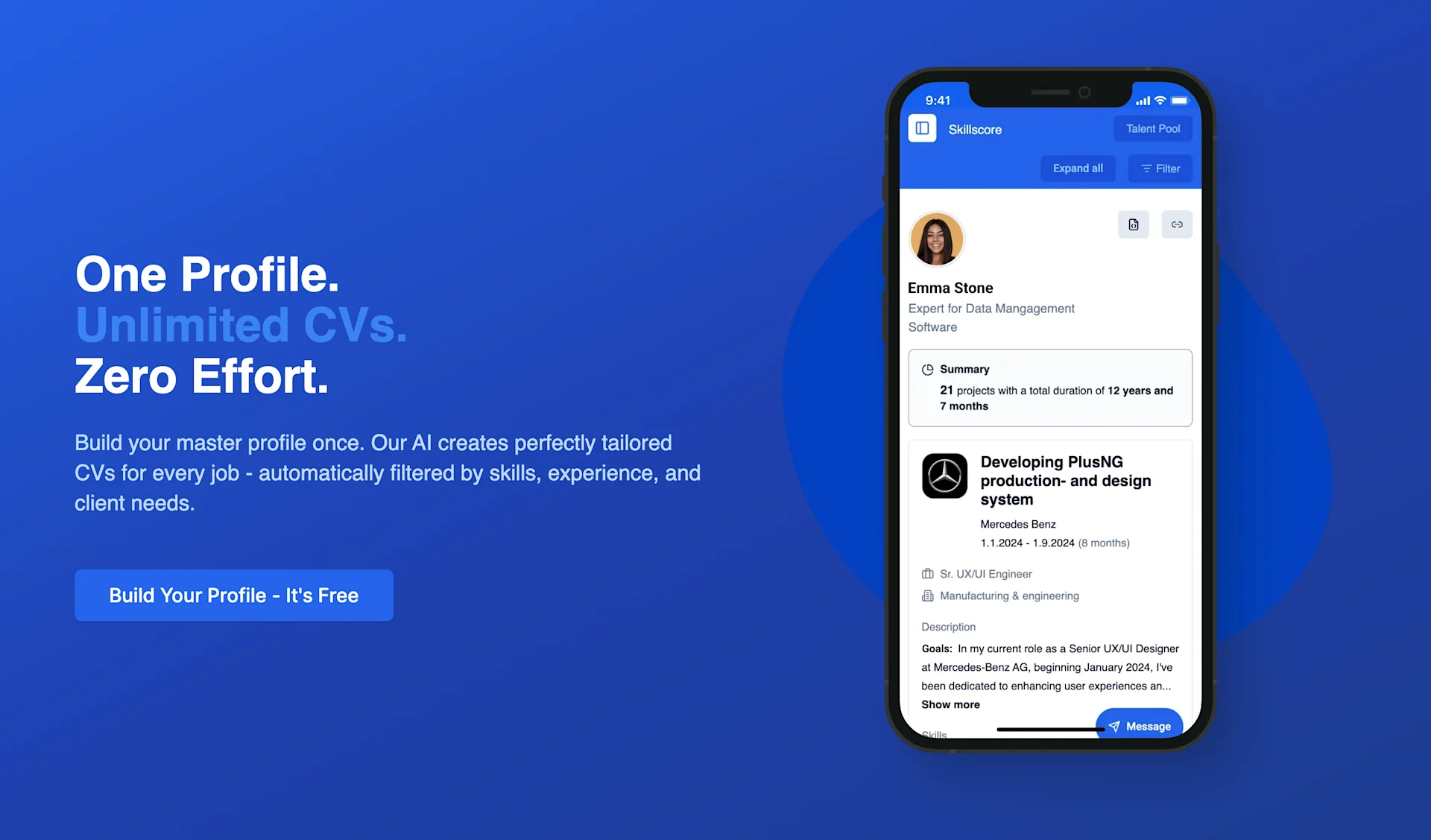
In this article, we dive into the tech stack and architecture of SkillScore—an enterprise-grade API I built to solve exactly this problem. We explore how to build a scalable backend infrastructure using NestJS, MongoDB, Redis, WebSockets, and OpenAI (GPT-4).
Here is the Swagger UI API documentation
Before diving deep into the code implementation, here is a concise overview of the architectural services and technology stack that power SkillScore.
This project combines complex backend disciplines into a seamless platform:
The core of our platform is a monolithic (but modular) architecture based on NestJS. NestJS was chosen because its strong structure (modules, controllers, services) and native TypeScript support make it ideal for enterprise applications.
@aws-sdk/client-s3)Our stack emphasizes type safety, scalability, and modern cloud-native tooling:
Development Core
Nest.js • TypeScript • MongoDB • Redis • Bull Queue • AWS S3 • Docker • JWT • Jest • REST API
Ecosystem & Integrations
Socket.io • OpenAI API • OAuth2 • Swagger • GitHub Actions • Heroku • WebSockets • Microservices
The AppModule configuration demonstrates how modular the system is. We strictly separate domains (Projects, Users, Skills, Jobs), ensuring maintainability across more than 50 endpoints.
// app.module.ts (excerpt)
@Module({
  imports: [
    ConfigModule.forRoot({ isGlobal: true }),
    // Redis configuration for caching and queues
    CacheModule.register({ store: redisStore, ... }),
    BullModule.forRoot({ ... }),
    MongooseModule.forRoot(process.env.MONGODB_URI),

    // Feature Modules
    AuthModule,
    UsersModule,
    CVUploadModule,     // Core of CV processing
    AIExtractionModule, // GPT-4 integration
    SkillMatchingModule,// Fuzzy logic engine
    // ... 20+ additional modules
  ],
  controllers: [AppController],
  providers: [], // Global guards registered here
})
export class AppModule implements NestModule {
  configure(consumer: MiddlewareConsumer) {
    consumer.apply(RequestLoggerMiddleware).forRoutes('*');
  }
}Security is not a feature—it’s the foundation. Before a single CV is uploaded, the request must be authenticated and authorized. We use Passport.js with JWTs (JSON Web Tokens).
A look at our directory structure (guards.png) shows a fine-grained guard setup. We don’t rely on a single global guard but instead use specialized guards for API keys, admin permissions, and refresh token logic.
Directory structure:
guards/
├── accessToken.guard.ts     # Standard JWT protection
├── admin.guard.ts           # Admin-only access
├── apiKey.guard.ts          # Server-to-server communication
├── recruiter.guard.ts       # Recruiter-specific access
└── refreshToken.guard.ts # Token refresh logicThe AccessTokenGuard is our first line of defense. It extends NestJS’s default AuthGuard('jwt') and adds detailed logging. When a token is invalid, we want to know exactly why (expired? invalid signature?).
// access-token.guard.ts
@Injectable()
export class AccessTokenGuard extends AuthGuard('jwt') {
  private readonly logger = new Logger(AccessTokenGuard.name);

  canActivate(context: ExecutionContext) {
    // Logging before validation
    return super.canActivate(context);
  }

  handleRequest(err, user, info, context: ExecutionContext) {
    // Custom error handling
    if (err || !user) {
      this.logger.error(`JWT validation failed: ${info?.message}`);
      throw err || new UnauthorizedException('Invalid token');
    }
    return user;
  }
}
The strategy defines how the token is validated. We extract the token from the Authorization: Bearer header. Important: we store no sensitive data in the token—only userId (sub) and role.
// access-token.strategy.ts
@Injectable()
export class AccessTokenStrategy extends PassportStrategy(Strategy, 'jwt') {
  constructor(config: ConfigService) {
    super({
      jwtFromRequest: ExtractJwt.fromAuthHeaderAsBearerToken(),
      secretOrKey: config.get<string>('JWT_SECRET'),
      ignoreExpiration: false,
    });
  }

  validate(payload: JwtPayload) {
    // Attached to request.user
    return {
      userId: payload.sub,
      email: payload.email,
      role: payload.role
    };
  }
}
By combining guards and strategies, endpoints can be protected declaratively:
@UseGuards(AccessTokenGuard, RolesGuard)
@Roles('admin', 'recruiter')
@Post('upload')
uploadCV(...) { ... }Why MongoDB? CV data is inherently hierarchical and often incomplete. One candidate lists “skills,” another “certifications,” a third “publications.” A rigid SQL schema would lead to many NULL columns or complex join tables.
Our schema structure (schemas.png) shows how we still maintain strong normalization despite using NoSQL, ensuring data integrity.
Special attention is paid to the Skill Schema. To avoid duplicates like “React,” “React.js,” and “ReactJS,” we use normalization and aliases.
// schemas/skill.schema.ts (concept)
@Schema({ timestamps: true })
export class Skill {
  @Prop({ required: true, unique: true })
  name: string; // Display name: "React"

  @Prop({ required: true, index: true })
  normalizedName: string; // "react"

  @Prop([String])
  aliases: string[]; // ["reactjs", "react.js"]

  @Prop({ type: String, enum: ['frontend', 'backend', 'devops'] })
  category: string;

  @Prop({ type: [{ type: mongoose.Schema.Types.ObjectId, ref: 'Skill' }] })
  relatedSkills: Skill[]; // Graph-like relationships
}
This structure later allows searches for “JavaScript” to also find candidates listing “TypeScript” or “ECMAScript” by traversing relatedSkills.
An applicant tracking system (ATS) is only as good as its data structure. The biggest challenge in CV processing is the variance in human input. One candidate writes “ReactJS”, another “React.js”, another just “React.”
To a naive database query, these are completely different values—leading to incomplete results and frustrated recruiters.
Our architecture treats skills not as strings but as entities. The goal is to map every chaotic input to a unique MongoDB ObjectId hash, achieving CRM/ERP-level filterability:
65a1...65b2...To achieve this, we built a multi-stage hybrid matching engine that combines speed (Fuse.js) with mathematical precision (Levenshtein).
Before applying complex algorithms, we aggressively normalize inputs to eliminate trivial differences (case, punctuation).
private normalizeSkillName(name: string): string {
  return name
    .toLowerCase()
    .trim()
    .replace(/[^\w\s]/g, '') // "Node.js" -> "nodejs"
    .replace(/\s+/g, ' ');
}We can’t compute Levenshtein distance against 10,000 entries per request—it’s too slow. Instead, we use a three-stage approach:
async findBestMatch(skillName: string): Promise<SkillMatch[]> {
  await this.updateSkillCache();

  const normalizedInput = this.normalizeSkillName(skillName);
  const matches: SkillMatch[] = [];

  const exactMatch = this.skillCache.find(
    (skill) => this.normalizeSkillName(skill.name) === normalizedInput,
  );

  if (exactMatch) {
    return [{
      _id: exactMatch._id.toString(),
      name: exactMatch.name,
      score: 1.0,
      distance: 0,
    }];
  }

  if (this.fuseInstance) {
    const fuseResults = this.fuseInstance.search(skillName, { limit: 5 });

    for (const result of fuseResults) {
      const distance = levenshtein(
        normalizedInput,
        this.normalizeSkillName(result.item.name),
      );

      const score = this.calculateMatchScore(
        skillName,
        result.item.name,
        result.score || 0,
        distance,
      );

      if (score > 0.5) {
        matches.push({
          _id: result.item._id.toString(),
          name: result.item.name,
          score,
          distance,
        });
      }
    }
  }

  return matches.sort((a, b) => b.score - a.score);
}Fuse.js alone can be too permissive. We combine its pattern-matching score with Levenshtein edit distance.
private calculateMatchScore(
  input: string,
  target: string,
  fuseScore: number,
  distance: number,
): number {
  const maxLength = Math.max(input.length, target.length);
  const distanceScore = 1 - distance / maxLength;

  const combinedScore = (1 - fuseScore) * 0.6 + distanceScore * 0.4;

  return Math.max(0, Math.min(1, combinedScore));
}Simple grammar often breaks matching: “Senior Developer” vs “Senior Developers.” We anticipate these variations before querying the database.
private getNameVariations(normalizedName: string): string[] {
  const variations = [];

  if (normalizedName.endsWith('s')) {
    variations.push(normalizedName.slice(0, -1));
  } else {
    variations.push(normalizedName + 's');
  }

  if (normalizedName.endsWith('ies')) {
    variations.push(normalizedName.slice(0, -3) + 'y');
  } else if (normalizedName.endsWith('y')) {
    variations.push(normalizedName.slice(0, -1) + 'ies');
  }

  return variations.map((v) => normalizeSkillName(v));
}All inputs resolve to clean hash relations. Searching for “JS” automatically matches “JavaScript,” “ECMAScript,” or “Node.js.” This is the difference between a simple MongoDB setup and an ATS-optimized platform.
The most technically demanding module is CVUploadModule. This is where the magic happens: an unstructured PDF becomes JSON. The process is asynchronous because GPT-4 and OCR take time—we don’t want to block HTTP requests.
Upload: User sends file
Validation: Multer checks type and size, ClamAV scans
Storage: File uploaded to private S3 bucket
Queueing: Job added to cv-processing queue
Processing (Worker):
Notification: User notified via WebSocket
@Module({
  imports: [
    BullModule.registerQueue({ name: 'cv-processing' }),
    MongooseModule.forFeature([{ name: CVUpload.name, schema: CVUploadSchema }]),
    FileUploadModule,
    AIExtractionModule,
    SkillMatchingModule,
  ],
  controllers: [CVUploadController],
  providers: [
    CVUploadService,
    CVUploadGateway,
    CVUploadProcessor,
  ],
})
export class CVUploadModule {}We don’t blindly rely on GPT-4—it’s expensive and sometimes slow. A local parser (OpenResume) extracts structure first, then GPT-4 adds contextual understanding.
async extractWithAI(cvText: string): Promise<ExtractedData> {
  const baseData = await this.openResumeParser.parse(cvText);

  const prompt = `
    Analyze the following CV text.
    Extract skills, years of experience, and projects.
    Transform the result into this JSON format: ${JSON_SCHEMA}.
    Use the base data as reference: ${JSON.stringify(baseData)}
  `;

  const completion = await this.openai.chat.completions.create({
    model: 'gpt-4-turbo',
    messages: [{ role: 'user', content: prompt }],
    response_format: { type: 'json_object' },
  });

  return JSON.parse(completion.choices[0].message.content);
}Exact string comparison fails for “NodeJS” vs “Node.js.” We use Levenshtein distance and normalized strings.
normalizeSkillName(name: string): string {
  return name.toLowerCase().replace(/[^a-z0-9]/g, '');
}
Matches above 85% similarity are considered valid. The result: the database stores references to skill IDs—not strings—making analytics trivial.
All this effort exists for analyzability. In SkillScore, a CV is a living data object evaluated in real time. Every entity has a unique ObjectId, enabling mathematical operations on experience.
Because “React” always maps to the same ID, we can compute:
{
  "matchScore": 94,
  "experienceBreakdown": {
    "skills": {
      "507f1f77bcf86cd799439011": {
        "name": "TypeScript",
        "duration": 1489,
        "formatted": "4 years 1 month",
        "score": 100,
        "minRequiredDays": 730,
        "meetsMinRequirement": true,
        "proficiencyMultiplier": 1.0
      }
    }
  }
}Background processing needs real-time feedback. Polling is inefficient, so we use Socket.io.
@WebSocketGateway({
  namespace: 'cv-upload',
  cors: { origin: '*' }
})
export class CVUploadGateway implements OnGatewayConnection {
  @WebSocketServer() server: Server;

  async handleConnection(client: Socket) {
    try {
      const token = client.handshake.auth.token;
      const user = await this.authService.validateToken(token);
      client.join(`user:${user.id}`);
    } catch {
      client.disconnect();
    }
  }

  notifyProgress(userId: string, progress: number, stage: string) {
    this.server.to(`user:${userId}`).emit('uploadProgress', {
      progress,
      stage,
      timestamp: new Date()
    });
  }
}We use MongoDB aggregation pipelines for complex queries and Redis caching for static data, reducing latency from ~50ms to ~2ms.
Building the SkillScore API shows how powerful NestJS combined with AI can be for modern HR tech.
Key Takeaways:
SkillScore can now process thousands of CVs daily, deduplicate data, and deliver real-time matches. Next step: vector databases for semantic search.
Here is the Swagger UI API documentation
This article is based on real production source code from the CV Manager API project, implemented using modern best practices for Node.js backends.

Digital Product Expert
I combine user research, prototyping and TypeScript frontend/API development to shape excellent digital solutions.